Player ESP controls
ESP Style
With background or no background behind text and shapes. Changes readability, not who is drawn.
Bounding box
Box draws a full rectangle. Corner draws corner brackets. Either can be toggled with fill options below.
Fill box
Static uses one fill colour. Gradient shifts colour across the box. Works with the bounding box mode you picked.
Line to enemy
Draws a line toward enemies with colour and position options as listed in the menu.
Health bar
Static, health based, or gradient styles for the bar. Shows remaining health when enabled.
Skeleton
Bone lines with thickness control and an optional head circle for the head joint.
Name
Shows the player name label when the game provides it.
Current weapon
Shows the weapon name or class the target is holding.
Team name
Shows the faction or team label when available.
Distance
Meters or the unit the menu uses from your camera to the target.
Show team
Filters whether teammates are drawn or only enemies, depending on the toggle state.
Player ESP and wallhack searches
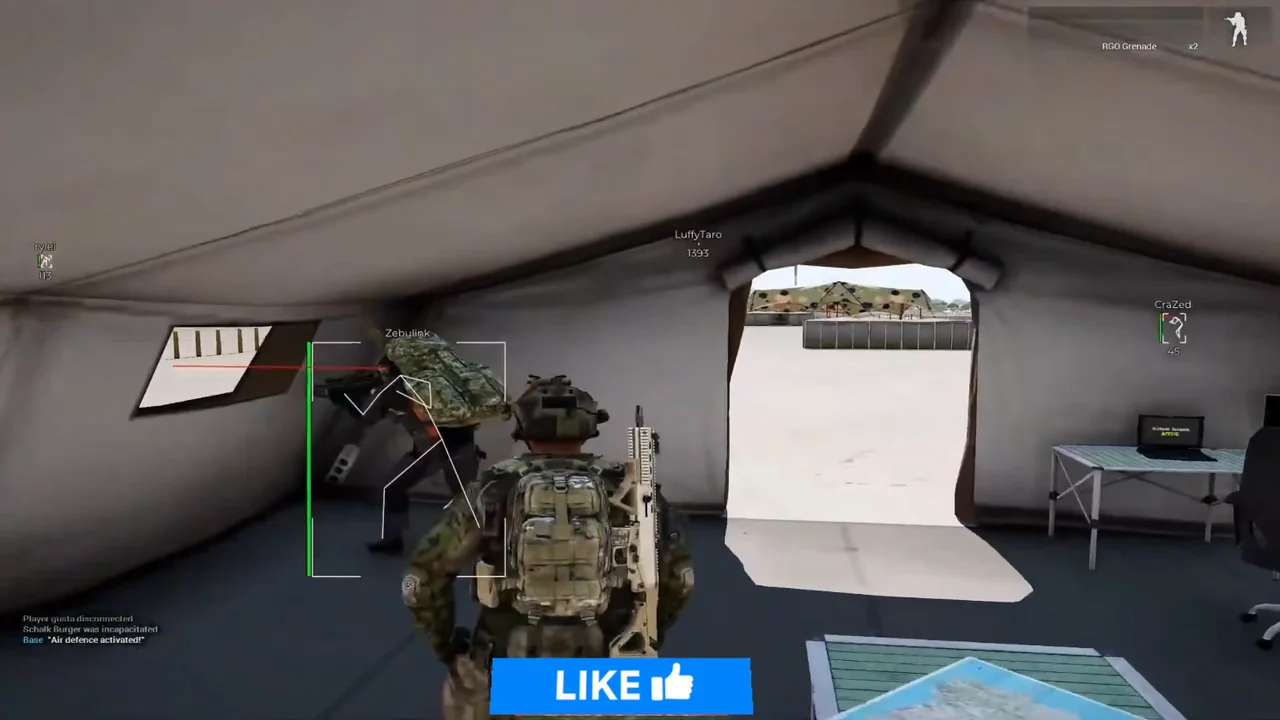
Many players look up wallhack for Reforger and land on player ESP. Boxes and skeletons can highlight infantry before you see them clearly. Here that is one module with separate toggles, not a second download.
Team filters matter in Reforger
Combined-arms fights get noisy fast. Show team and team name exist so you can tune whether allies are clutter or useful context. Start with fewer toggles, then add skeleton or health once the screen stays readable.
Works well with
Related reading
Arma Reforger Player ESP questions
Is player ESP the same as a wallhack?
Yes, that is the usual name. You still have separate switches for box, skeleton, health, name, weapon, team, and distance.
Does player ESP show vehicles or loot?
No. It labels players. Vehicle ESP and loot lists are not published on this menu.
Player ESP ships with the full menu
One license covers every module. Monthly is $35 for 31 days. Lifetime is $150.
Around the site
Status, checkout, and the guides that sit around this module.