Misc controls
Unload keybind
Unloads the menu from the session when you need a clean exit without restarting the game.
DPI Scale
Scales menu and overlay text for high-DPI monitors.
FPS Limit
Caps overlay or menu rendering work so you can limit extra load on weaker PCs.
Watermark
Turns a small on-screen mark on or off. Purely cosmetic for your stream or desktop capture setup.
Language
English, Russian, or Chinese for menu text as listed in the loader.
Create config
Saves the current settings as a new named profile.
Load config
Applies a saved profile you already created.
Rename config
Changes the name of an existing saved profile.
Delete config
Removes a saved profile from the list.
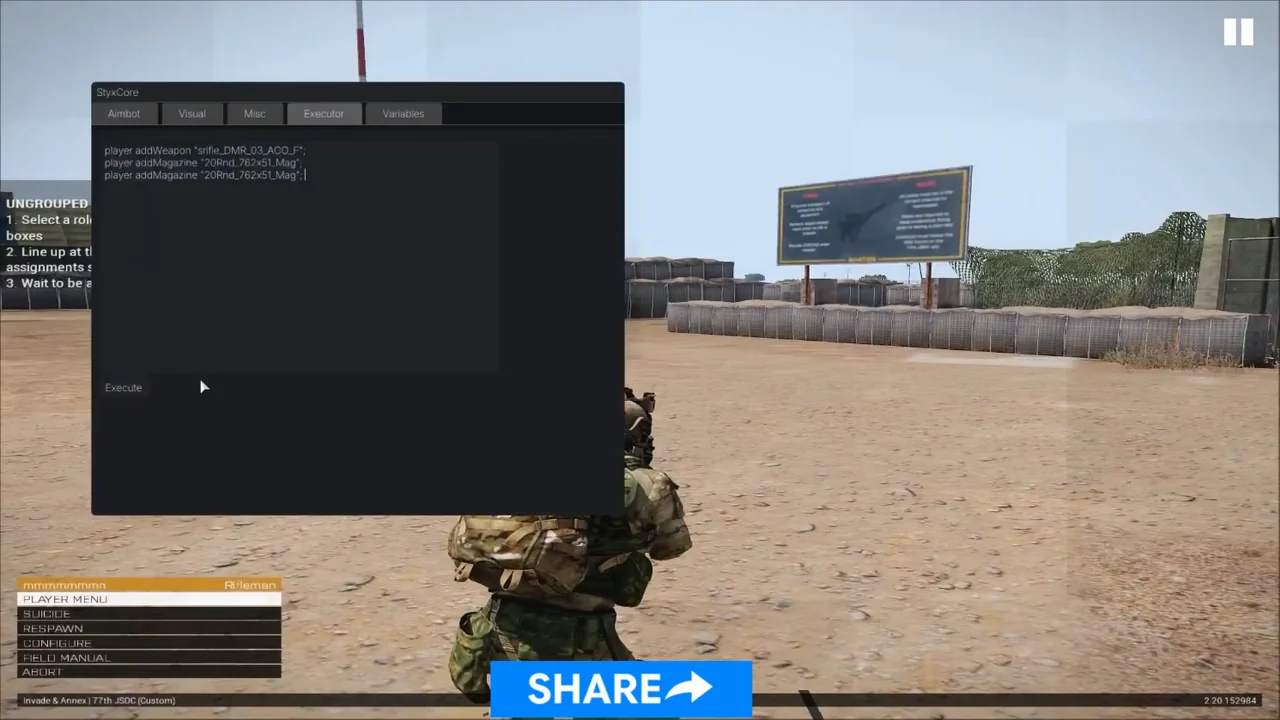
Configs pair with aimbot and ESP
Most players keep one profile with light ESP for everyday play and another with aimbot toggles for testing. Create config after you set one module, then switch modules before you save a second file.
Works well with
Related reading
Arma Reforger Misc questions
Can I save more than one config?
Yes. Create, load, rename, and delete config are all listed in misc.
Misc ships with the full menu
One license covers every module. Monthly is $35 for 31 days. Lifetime is $150.
Around the site
Status, checkout, and the guides that sit around this module.